Hit Bake#
Start the Bake#
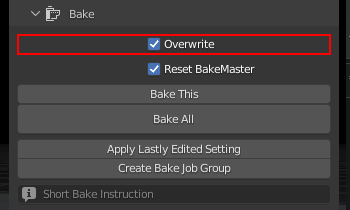


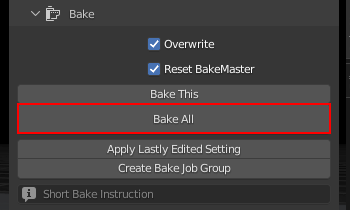
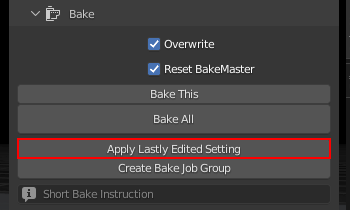
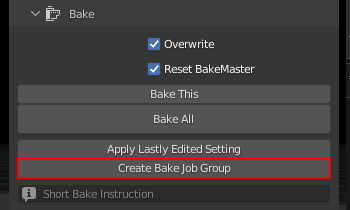
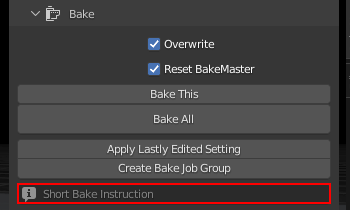
BakeMaster Bake won’t block anything, so you can continue creating while it’s doing its magic.
While waiting#

Control the baking process from your keyboard or Blender Console. All keybindings are present below and under the Bake Instruction field in the Bake panel.
Press
BACKSPACEto cancel baking all next mapsPress
ESCkey to cancel baking the current mapPress
BACKSPACE,ESCto cancel baking
Tip: Blender Console
By opening the Blender Console you’ll see more precise bake process feedback and be able to press Ctrl + C or ⌘ Cmd + C (Mac) to abort the bake.

Caution
Blender freezes are expected when handling meshes with large amounts of geometry, baking map results to modifiers, Denoising baked results, or UV unwrapping and packing. Please be patient, BakeMaster will notify you if any error occurs.